Screenshots

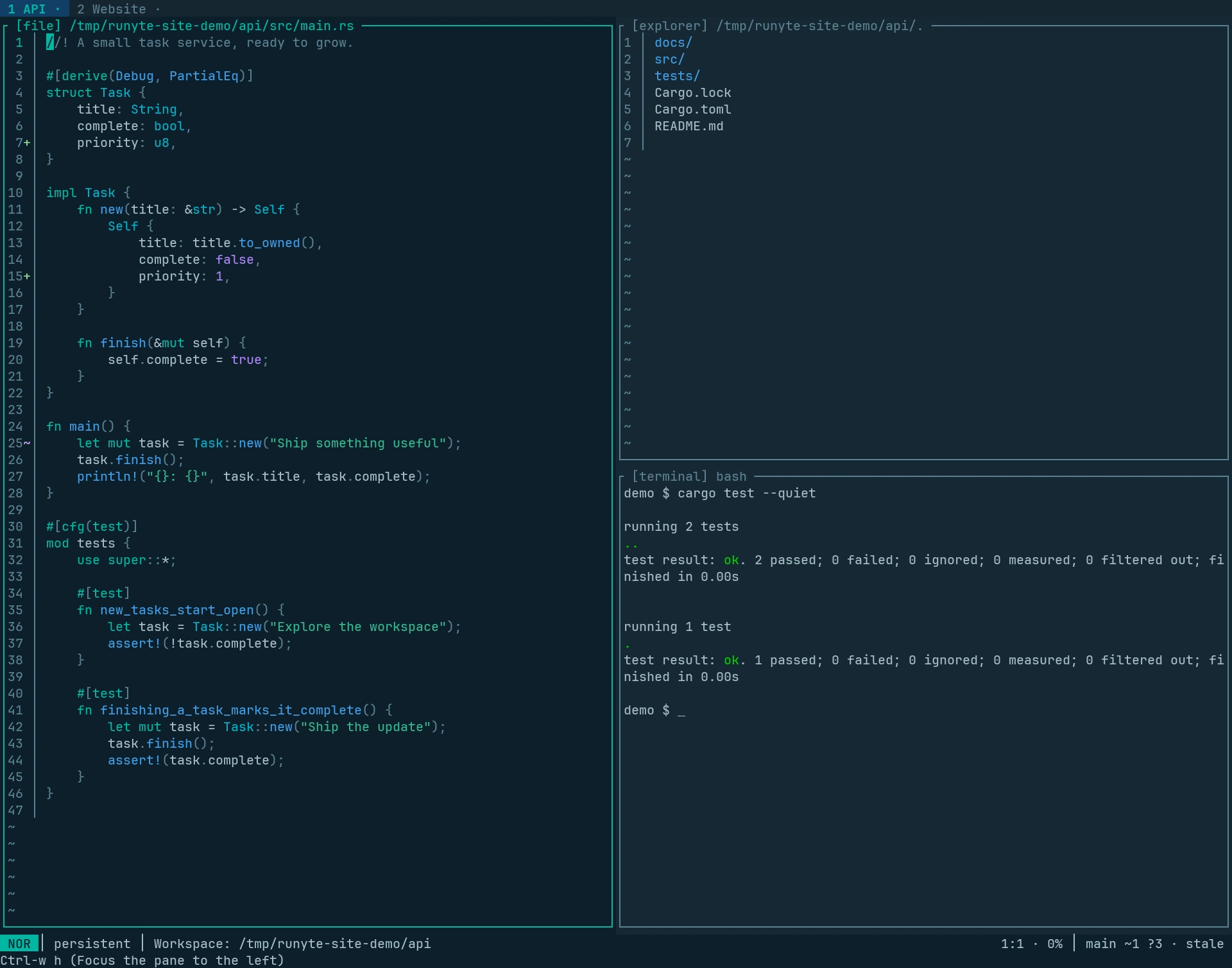
Runyte keeps editing, files, terminals, Git, coding agents, and persistent sessions in one coherent terminal workspace. Select any screenshot to open the full-size image.

Runyte About screen showing the logo, version number, and getting-started keyboard shortcuts.
The About screen with Runyte's essential navigation and workspace shortcuts.
Runyte workspace with a process monitor and Git branch list on the left and a project file explorer on the right.
A process monitor, Git branches, and the file explorer arranged in one workspace.
Runyte's workspace search matching htop across files and a terminal, with a result preview beside the match list.
Workspace-wide fuzzy search across files, buffers, and terminals, with a live preview.
Runyte comparing the indexed and worktree versions of a README side by side, with additions and deletions highlighted.
A side-by-side Git diff comparing the indexed file with the working-tree version.
Runyte in a light theme with a process monitor and file explorer beside a Rust source file containing multiple selections.
Terminal, file explorer, and multi-selection source editing in a unified light theme.
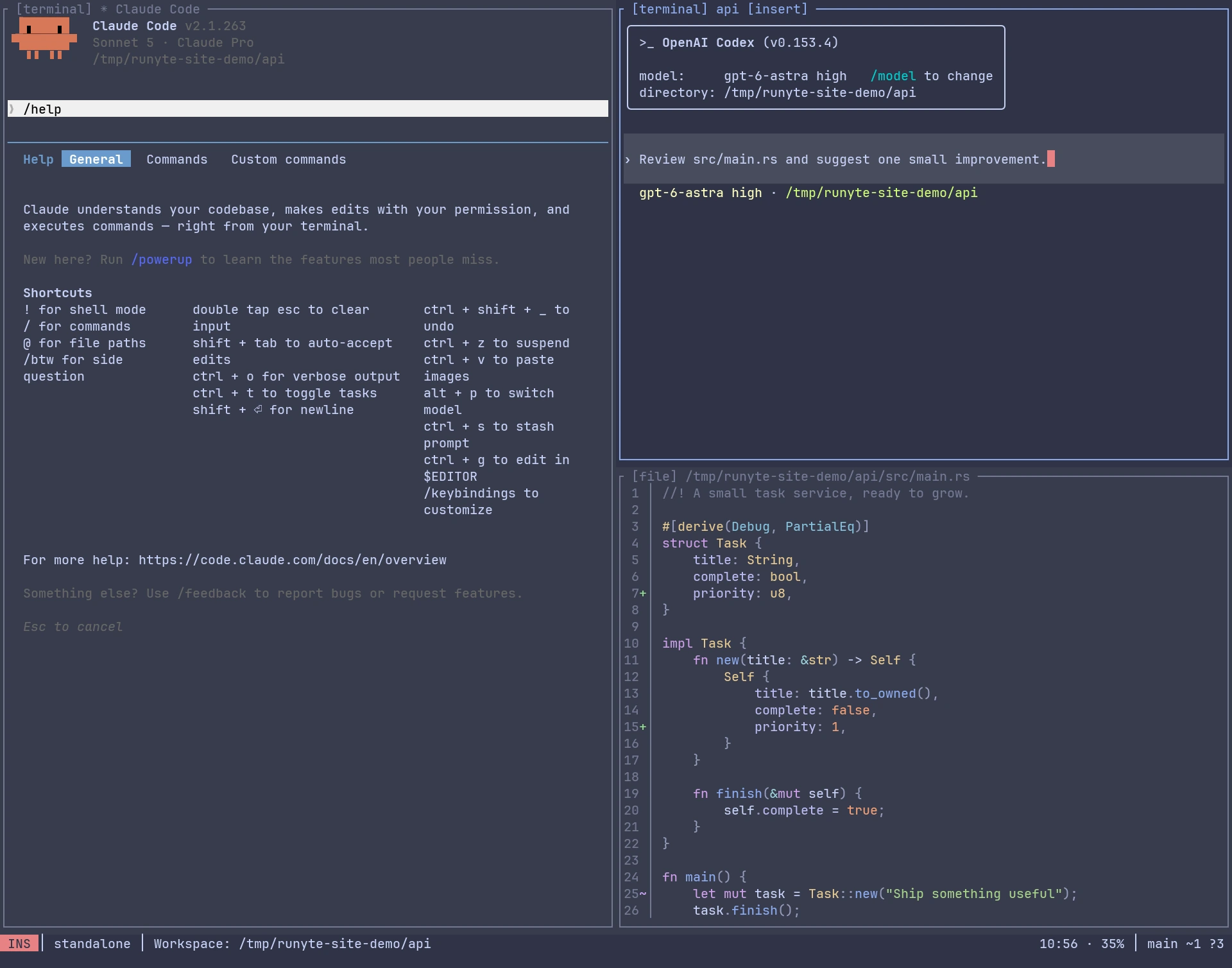
Runyte showing Claude Code and OpenAI Codex in two terminal panes above a Git log and Git branch list.
Claude Code and OpenAI Codex working alongside the Git log and branch browser.
Runyte command palette filtered to Git commands over an open Rust source file.
The searchable command palette filtered to Runyte's built-in Git commands.
Runyte session picker listing persistent workspaces with details for the selected runyte-dev session.
The persistent-session picker with activity, process, branch, directory, and worktree details.